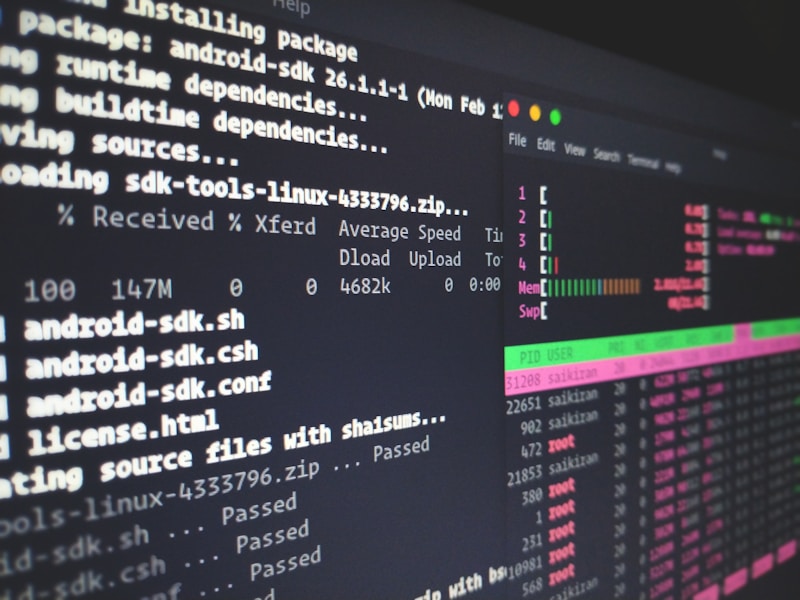
Linux Güvenlik Sıkılaştırma
Linux hardening, sistemin saldırı yüzeyini minimize etme sürecidir. Bu rehberde CIS Benchmark'a uygun güvenlik yapılandırmalarını ele alacağız.
SSH Güvenliği
# /etc/ssh/sshd_config
Port 2222                          # Varsayılan portu değiştir
PermitRootLogin no                 # Root girişini kapat
PasswordAuthentication no          # Sadece key-based auth
MaxAuthTries 3                     # Maksimum deneme
ClientAliveInterval 300            # Timeout
ClientAliveCountMax 2
AllowUsers adminuser devops        # Sadece belirli kullanıcılar
Protocol 2                         # Sadece SSH 2

Servisi yeniden başlat
sudo systemctl restart sshd
Kullanıcı ve Parola Politikaları
# /etc/login.defs
PASS_MAX_DAYS 90
PASS_MIN_DAYS 7
PASS_MIN_LEN 12
PASS_WARN_AGE 14

PAM yapılandırması - /etc/pam.d/system-auth
password requisite pam_pwquality.so retry=3 minlen=12 ucredit=-1 lcredit=-1 dcredit=-1 ocredit=-1
Hesap kilitleme
auth required pam_faillock.so preauth silent deny=5 unlock_time=900
auth required pam_faillock.so authfail deny=5 unlock_time=900
Dosya Sistemi Güvenliği
# SUID/SGID dosyaları kontrol et
find / -type f -perm /4000 2>/dev/null
find / -type f -perm /2000 2>/dev/null

World-writable dosyaları bul
find / -type f -perm -0002 2>/dev/null
/tmp için noexec
/etc/fstab
tmpfs /tmp tmpfs defaults,noexec,nosuid,nodev 0 0
Kritik dosya izinleri
chmod 600 /etc/shadow
chmod 644 /etc/passwd
chmod 640 /etc/rsyslog.conf
Firewall Yapılandırması
# Firewalld ile zone yapılandırması
sudo firewall-cmd --set-default-zone=drop
sudo firewall-cmd --zone=public --add-service=ssh --permanent
sudo firewall-cmd --reload

Rich rules
sudo firewall-cmd --permanent --add-rich-rule='rule family="ipv4" source address="192.168.1.0/24" service name="ssh" accept'
Audit Yapılandırması
# /etc/audit/rules.d/audit.rules
# Kritik dosya değişiklikleri
-w /etc/passwd -p wa -k identity
-w /etc/shadow -p wa -k identity
-w /etc/sudoers -p wa -k sudoers
-w /etc/ssh/sshd_config -p wa -k sshd

Komut izleme
-a always,exit -F arch=b64 -S execve -k commands
Audit servisini yeniden başlat
sudo systemctl restart auditd
Sonuç
Düzenli güvenlik taramaları ve CIS benchmark uyumluluğu kontrolü yapın.